

Better Bluetooth Icon
Better Bluetooth Icon is a lightweight Windows 11 system tray utility that replaces the default Bluetooth tray icon with an enhanced On-Screen Display (OSD) HUD, real-time peripheral battery monitoring, and instant connect/disconnect visual feedback.
100% free · No ads · No account required · Zero telemetry
Why it is better than the native Windows Bluetooth tray icon
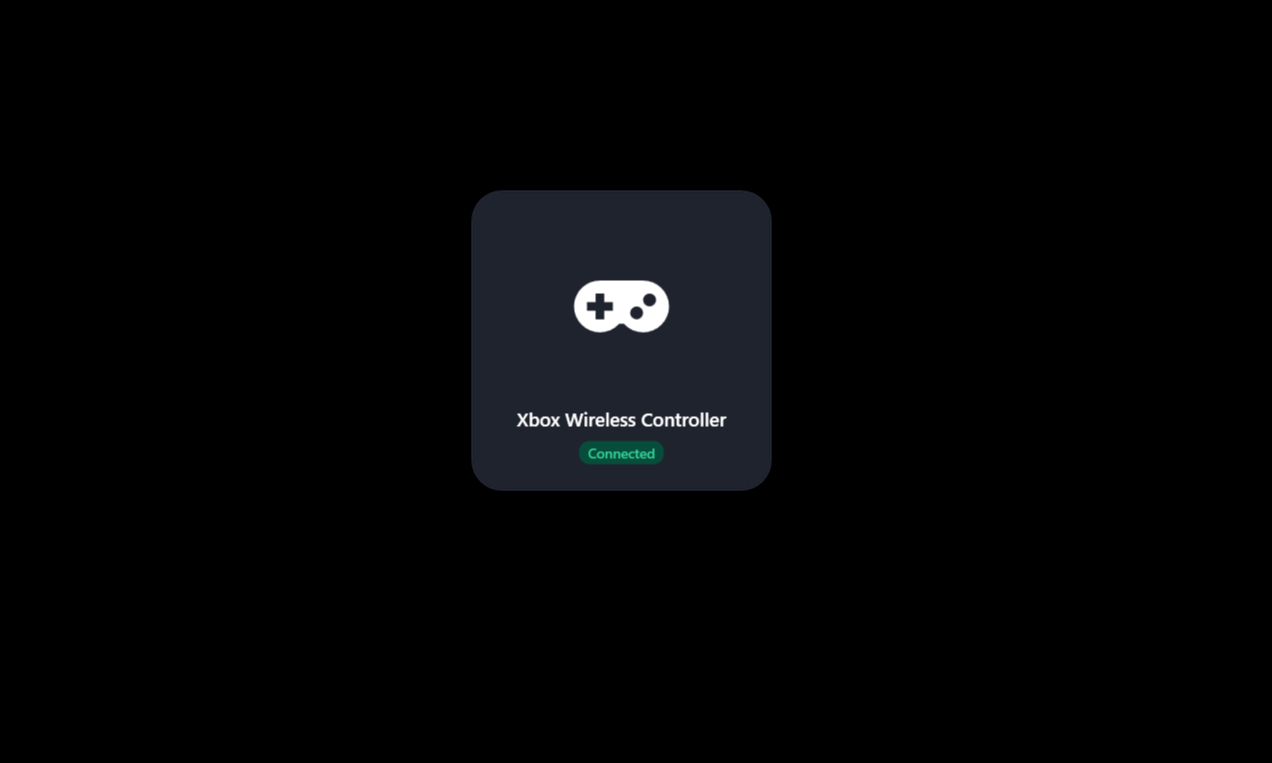
- Instant on-screen feedback (OSD) whenever headphones, mice, keyboards, or controllers connect or disconnect.
- Glanceable real-time battery levels via GATT battery service and Windows PnP without digging into Settings.
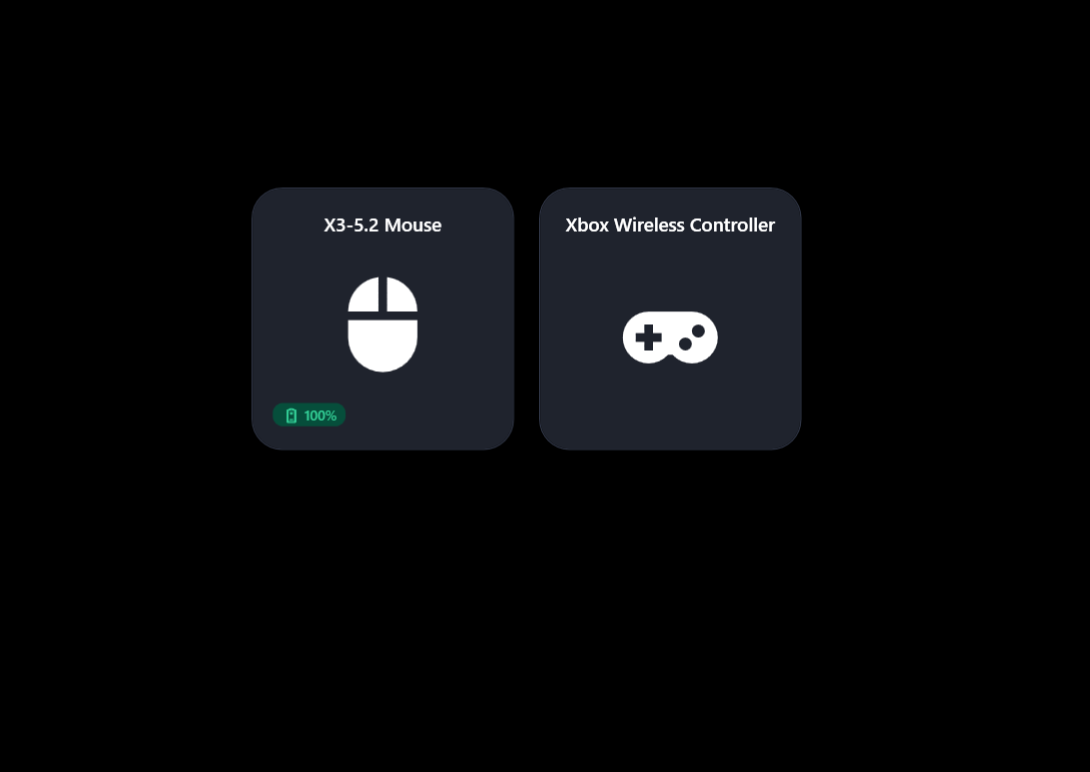
- A sleek, screen-centered graphical device matrix overlay toggled with a single tray click or custom global hotkey.
Features
- Dedicated Bluetooth system tray icon with multi-tier icon resolution and genuine system icon extraction
- Momentary 3-second On-Screen Display (OSD) HUD on device connect and disconnect
- Real-time GATT battery service monitoring (0x180F) with color-coded battery indicators (Green ≥ 50%, Yellow 15-49%, Red < 15%)
- Screen-centered graphical device overlay matrix displaying connected peripherals side by side
- Customizable global keyboard shortcut (e.g. Ctrl + Shift + B) to summon the device overlay from anywhere
- Automatic peripheral classification with large Material Design vector icons (headphones, mice, keyboards, controllers, audio)
- Dynamic dark and light theme tracking matching Windows system mode in real time
- Full right-click context menu parity with native Windows Bluetooth shortcuts
- Active Devices window showing connected/paired devices with manual refresh capability
- Non-activating OSD windows that never steal focus from full-screen games or active applications
- Silent background execution with hidden startup and close-to-tray lifecycle
- Lightweight native performance built with .NET 10 and WinRT Bluetooth APIs with zero CPU drain
Installation
Install from Microsoft Store
- Download Better Bluetooth Icon from the Microsoft Store
- Click Install on the Store page
- The app starts quietly in the system tray notification area
- Connect any Bluetooth device to see the instant OSD feedback
Requires a Bluetooth 4.0+ adapter with Bluetooth Low Energy (BLE) support for battery querying.
Install via Windows Package Manager (WinGet)
You can also install Better Bluetooth Icon from PowerShell or Command Prompt using WinGet:
winget install BernatCG.BetterBluetoothIconSettings
| Setting | Description |
|---|---|
| Global Keyboard Shortcut | Record a custom hotkey (e.g. Ctrl + Shift + B) to summon the graphical device overlay |
| Start with Windows | Launch silently to the system tray on Windows startup |
| Dynamic Theme Following | Automatically match Windows system dark and light modes with high-contrast palettes |
| Device List Overlay | Toggle connected peripheral cards centered on screen with one click or hotkey |
| OSD HUD Alerts | Display momentary 3-second connect and disconnect alerts with battery status |
Requirements
- Windows 10 build 19041 (2004) or Windows 11 (22H2 / build 22621+ recommended)
- Bluetooth 4.0+ adapter with Bluetooth Low Energy (BLE) support
- .NET 10 runtime (bundled automatically with Microsoft Store package)
How It Works
- Monitors local Bluetooth radios via WinRT Bluetooth & DeviceWatcher APIs for instant state changes.
- Reads standard GATT Battery Service characteristics (0x180F / 0x2A19) and Windows PnP battery properties.
- Renders non-activating OSD HUD notifications and centered button matrices with hardware-accelerated WPF.
Frequently asked questions about Windows 11 Bluetooth
How do I check Bluetooth device battery levels on Windows 11?
Better Bluetooth Icon automatically monitors standard GATT Battery Services (0x180F) and Windows PnP properties for connected peripherals, showing color-coded battery percentage badges directly on screen.
Is there a replacement or alternative for the Windows 11 Bluetooth tray icon?
Yes. Better Bluetooth Icon is a modern replacement for the default Windows Bluetooth tray icon, adding OSD connection notifications, quick battery checks, hotkey support, and full native context menu parity.
Can I open the Bluetooth device list with a keyboard shortcut?
Yes. Better Bluetooth Icon includes a Settings window where you can record and assign a custom global keyboard shortcut (e.g. Ctrl + Shift + B) to toggle the device matrix from anywhere in Windows.
Is Better Bluetooth Icon free?
Yes. It is 100% free, with no ads, no telemetry, and no account required.
Which Windows versions does Better Bluetooth Icon support?
Windows 10 version 19041 (2004) or later, and Windows 11 (build 22621 / 22H2 or later recommended).
Does Better Bluetooth Icon collect any personal data?
No. The application runs 100% locally on your machine, queries local radio state in-memory, and makes zero network calls.